Getting Started
First Time Login
After establishing a secure link to the Cloud Enterprise Back Office URL, login into the system using the Username (UserID) and Password provided by the E3 Retail Deployment Team PMO for the user account “Customer SuperUser”.
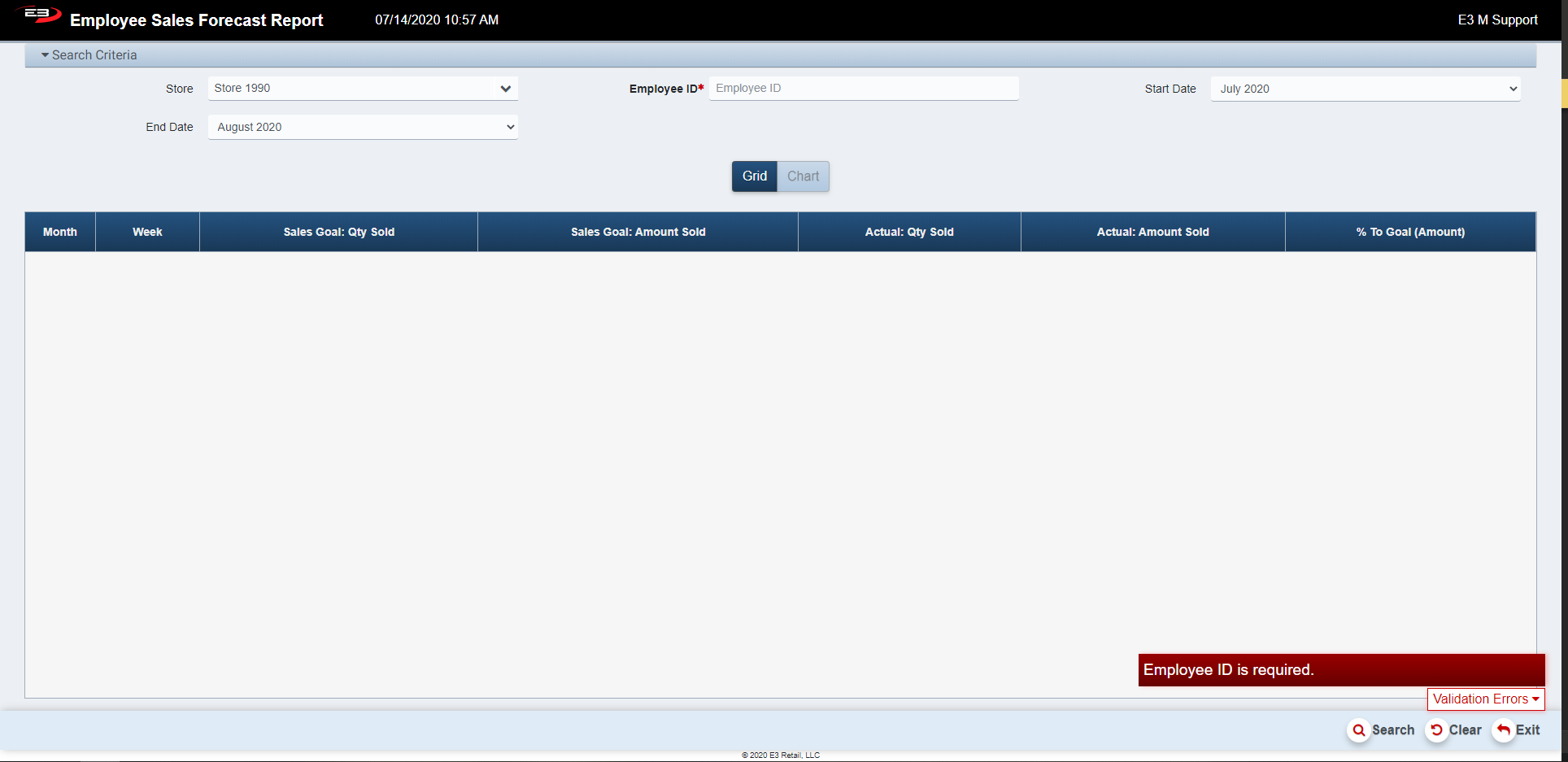
Screenshot of the Employee Sales Forecast application.
Once successfully authenticated, the system will prompt you for a new password. The first time user account is predefined with an expired password by default.
Screenshot of the Employee Sales Forecast application.
After successful login, execute the Operator Maintenance Application from the Back Office Menu and perform the following steps:
- Select ADD to add (create) a new Operator.
- Enter your name and User ID ( or select from Employee List if configured to use external Employee Data).
- Assign yourself to the “Enterprise Super User” security workgroup.
- Assign yourself to the “All Stores” store group.
- You can enter a first time password (that will be defaulted to expired) or leave blank and assign at login.
- Logout as the First Time User
- Login with your newly created Operator Credentials
- Set or Change your new Operator Password
- For security best practice, re-execute Operator Maintenance, and **DE-ACTIVATE the First Time User (Operator) that was setup for you by the E3 Retail Deployment Team PMO.
Setup Additional Enterprise Operators
If appropriate, setup Additional Enterprise Operators at this time to assist with initial system setup and configuration. Assign the additional operators (users) to the appropriate “Work Groups” (i.e., not all will necessarily need to be assigned as a “Super User”.). Refer to the Operator Maintenance User Guide for an overview of the various default Operator Workgroups.
Setup Merchandise Hierarchy
It is strongly recommended that you review your Merchandise Hierarchy with your E3 Retail Account Manager before using this configuration tool. HI . .