Store Variance
Initial (Main Search) Screen
The Store Variance Tracker report provides a list of store-related variances between expected amounts and counted amounts when a register’s till is balanced.
-
From the Cash Management / Reports menu, select Store Variance Tracker.
-
An initial search screen (like the one shown below) should appear.
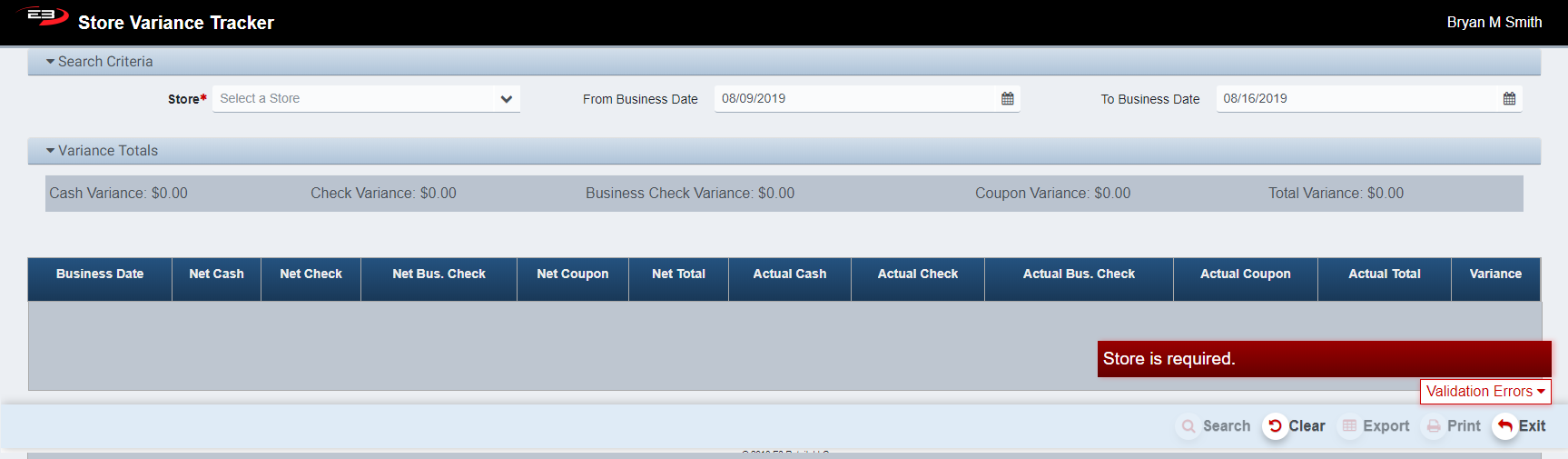
Screenshot of the Store Variance application.
-
Click Clear to reset the search criteria back to their default values.
-
The Store number is a required value, pull down the list and select the desired store,
-
Only a single store may be selected.
-
Once the Store is selected, the Search button is enabled.
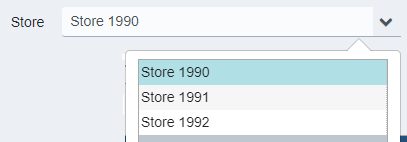
Screenshot of the Store Variance application.
-
The From Business Date control sets the beginning of the search period, the default is one week in the past.
-
The To Business Date control sets the beginning of the search period, the default is today’s date.
-
Click Search to return all store variance records for the given store within the specified date range.
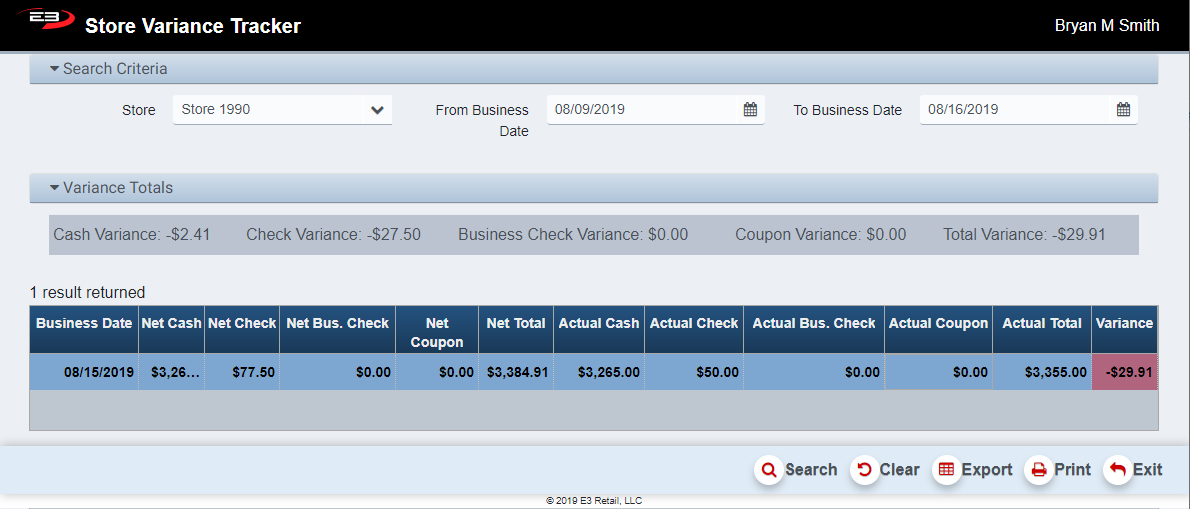
Screenshot of the Store Variance application.
- The results for each business day in the range with till variances appear in their own row in the grid.
The Variance Totals section shows the total variance for each type of tender and the total variance amount:
-
Cash
-
Check
-
Business Check
-
Coupon
The grid shows the details for each day within the search range:
-
Business Date - the business date that had variance data
-
Net Cash - the expected amount of cash
-
Net Check - the expected amount of checks
-
Net Bus. Check - the expected amount of business checks
-
Net Coupon - the expected amount of coupons
-
Net Total - the total expected amount of cash, checks, business checks, and coupons from the till
-
Actual Cash - the actual amount of cash counted from the till
-
Actual Check - the actual amount of checks counted from the till
-
Actual Bus. Check - the actual amount of business checks counted from the till
-
Actual Total - The total counted amount of cash, checks, business checks, and coupons from the till
-
Variance - the difference between the expected and total amounts; negative is short, positive is over
A variance is included in this report for any of the following reason codes (codes are not displayed):
-
Cashier Error - Multiple User
-
Check Taken for Wrong Amount
-
Cashier Error - Single User
-
Check Missing Or Lost
-
Robbery
-
Employee Theft
-
Offset Another Day
-
Other
-
Money Found on Floor
Other Commands
Export
The Export function allows the user to save the report as a comma-separated values (CSV) file for use in Excel. Once you have a result set that’s filtered as desired, click the Export button. The file is saved as StoreVariance_yyyy-m-d.csv in the default location, typically the Downloads folder for the user.
The Print function allows the user to save the report as an Acrobat PDF file for viewing/printing in Adobe Acrobat Reader. Once you have a result set that’s filtered as desired, click the Print button. The file is saved as StoreVariance.pdf in the default location, typically the Downloads folder for the user.